Documentation
PortraitKey docs
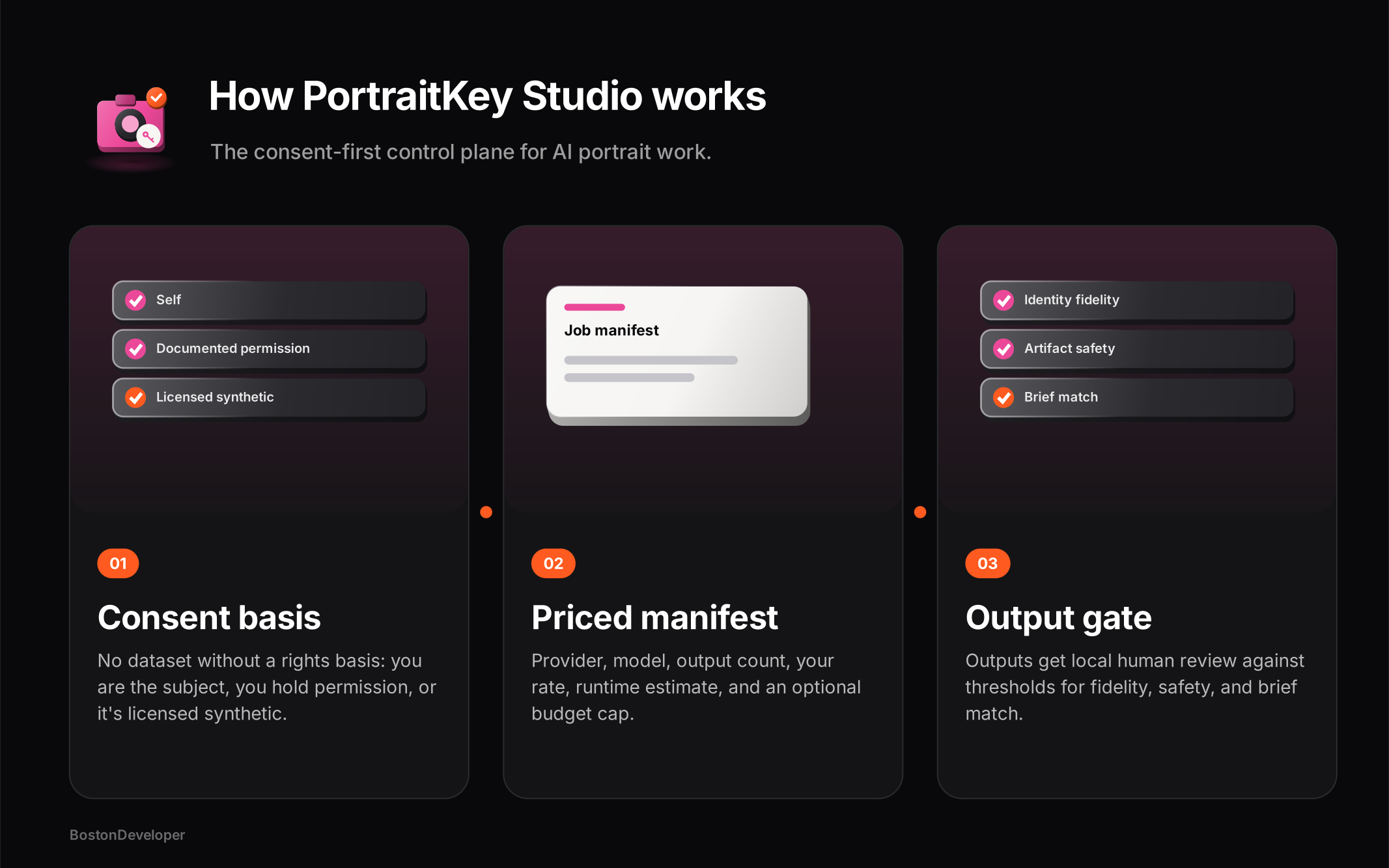
PortraitKey is a control plane, not a generator. These docs describe what each view actually does.
Getting started
No account, no upload. Open the studio and work locally; bring your own provider key when you run a job outside PortraitKey.
Start a dataset
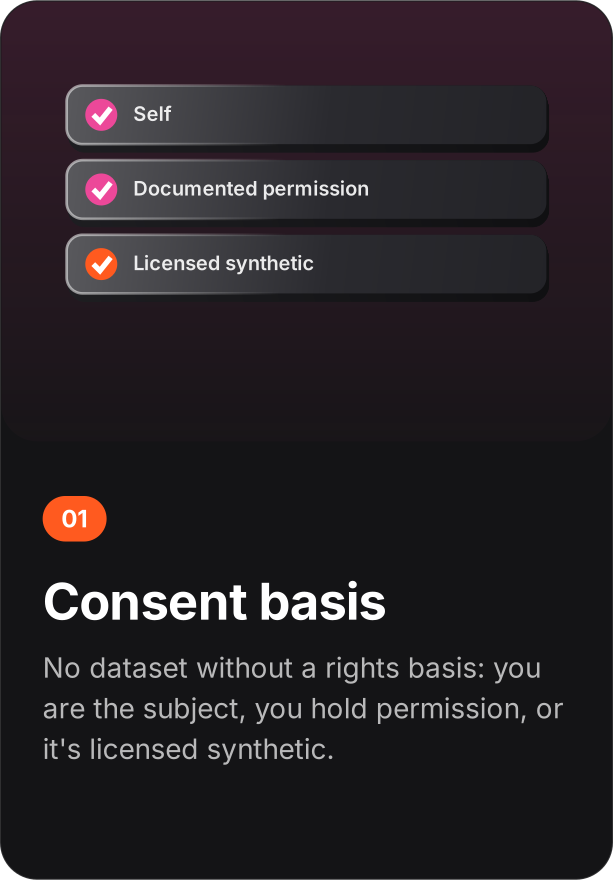
Name the subject, declare the rights basis, add reference images in the session. The rights basis is required.
Write a recipe
Choose use case, scene, wardrobe, lighting, framing, and guardrails. Save it as a named scenario to reuse.
Build the manifest
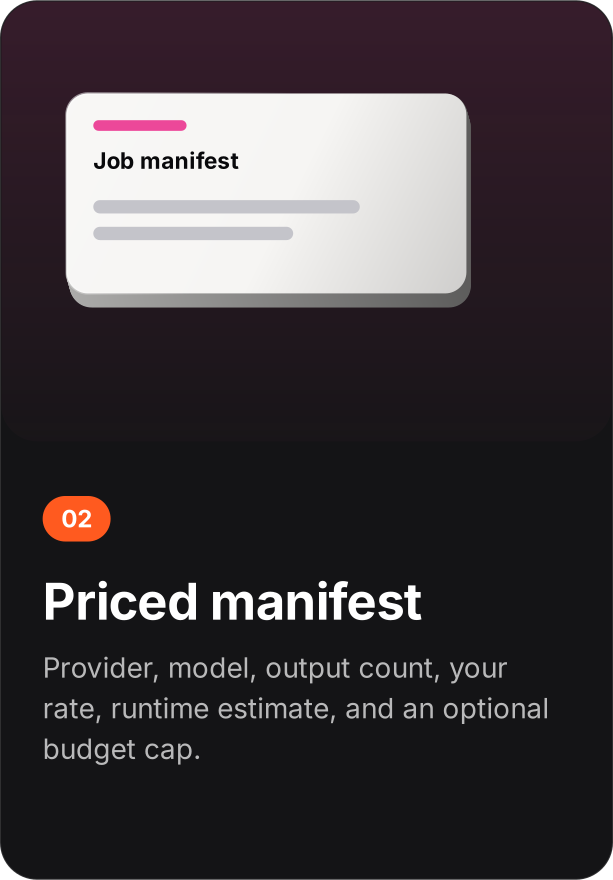
Pick provider profile, model, mode, output count, your rate, and a budget cap. Read the estimate before you run anything.
Gate the outputs
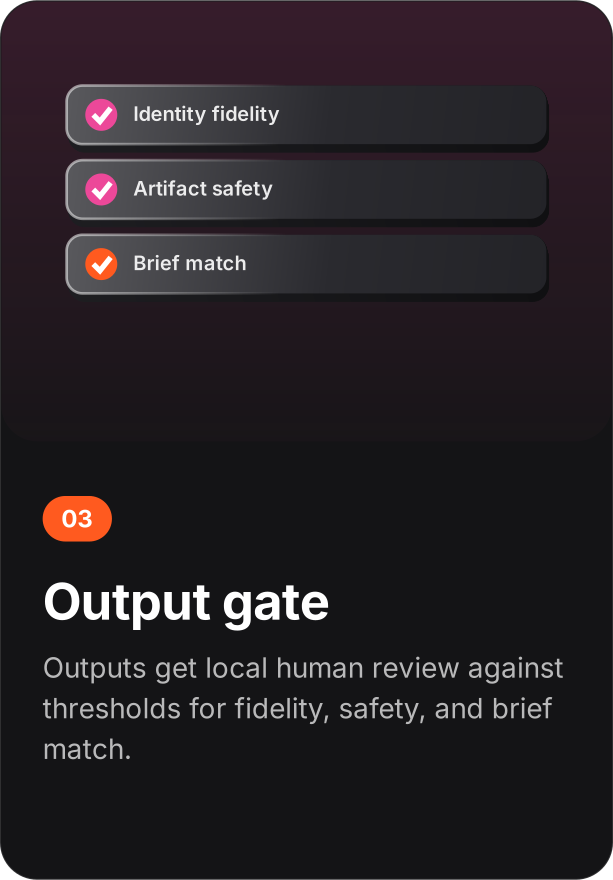
Import the provider's outputs, set your thresholds, run the evaluation gate, and package only what passes.
Concepts
Dataset - a labeled set of reference images with an explicit rights basis. Recipe - the creative brief: use case, scene, wardrobe, lighting, framing, guardrails. Scenario - a saved, named recipe. Manifest - the runnable description of a job plus its cost estimate. Evaluation gate - numeric thresholds and reject rules applied to provider outputs by a human reviewer. Delivery package - the approved outputs with a contact sheet. Governance record - purpose, recipient, retention deadline, allowed use, and any revocation or deletion receipt.
Dataset and consent
Every dataset declares one of three rights bases: I am the subject, I have the subject's documented permission, or Licensed synthetic identity. The subject label is required and travels with the dataset. Reference images are added from your device into the browser session; they are not uploaded anywhere by PortraitKey.
Recipes and scenarios
Use cases: professional headshot, editorial portrait, dating profile, creator campaign, product/lifestyle. Lighting: soft window light, high-key studio, golden hour, dramatic side light. Framing: chest-up, full body, close-up, environmental wide. Guardrails are free text and stay attached to the recipe. A scenario saves the whole recipe under a name for reuse across jobs.
Job manifests
Provider profiles: Replicate-compatible, custom HTTPS provider, or local ComfyUI endpoint. Modes: zero-shot identity generation, LoRA training, image-to-image edit. The manifest records output count, your current rate per output in USD, a training/runtime estimate, and an optional budget cap. Cost statistics are computed from those numbers - they are estimates you provided, not provider quotes.
The evaluation gate
Import provider outputs for local human review - PortraitKey does not create them. The gate applies three 1-5 minimums you set: identity fidelity (default 4), artifact safety (default 4), brief match (default 3). Automatic reject reasons are configurable; the defaults are identity drift, extra fingers, text artifact, unsafe content. Results land in a report with stats; passing outputs can be built into a delivery package with a contact sheet.
Governance
Each record sets purpose limitation (personal profiles only, owned brand marketing, internal evaluation only), provider/recipient, retention deadline, and allowed output use. Consent can be revoked; deletion produces a receipt. An audit view keeps the history of these actions.
Data and export
The workspace lives in local storage and exports as JSON - datasets, scenarios, manifests, evaluation results, governance records, and audit history. The manifest and style-sheet downloads produce shareable files for the job at hand.
Privacy
No analytics, no cookies, no uploads. Images you add for review stay in the browser session. Clearing site data deletes the workspace. See the trust center.